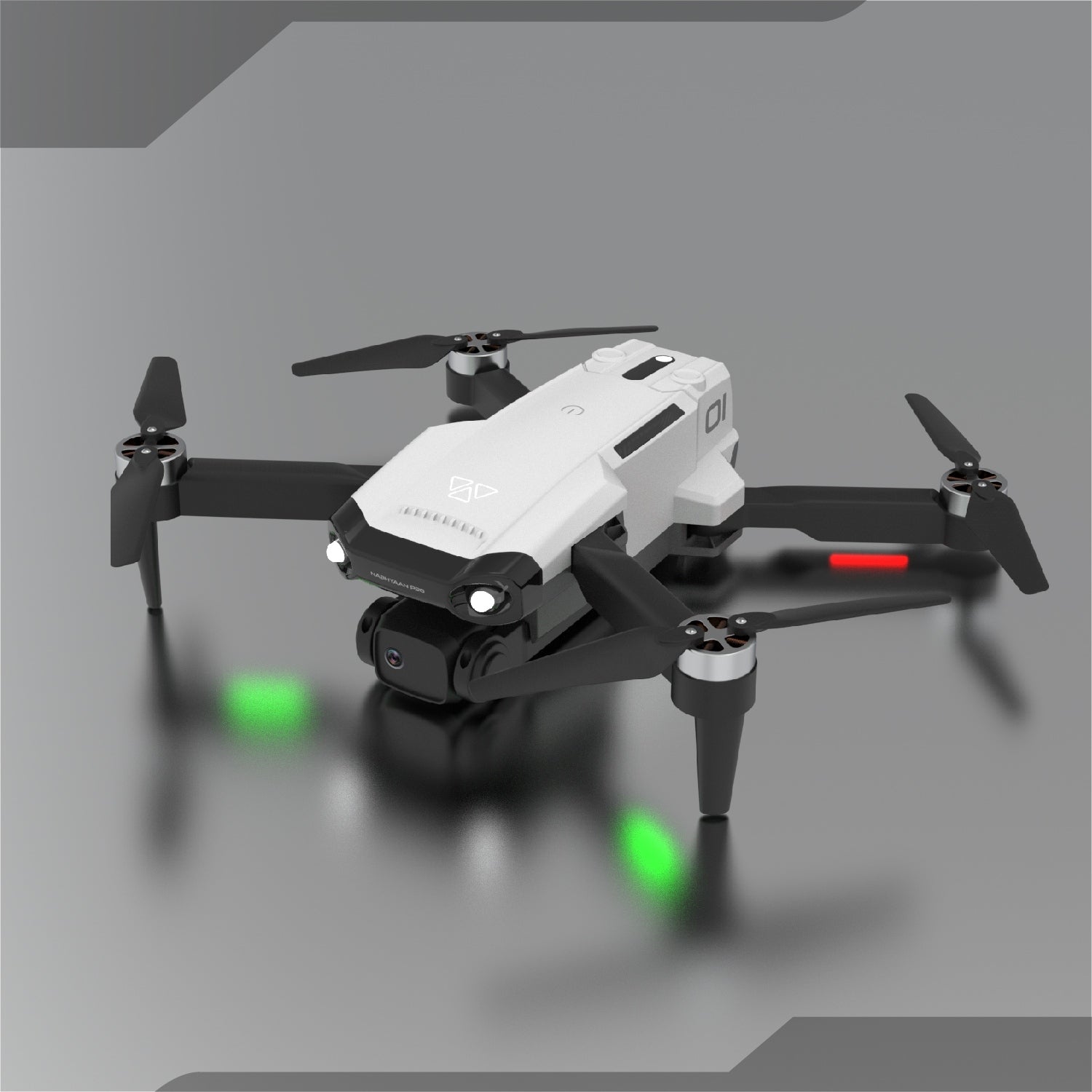
Camera functions of camera drones have become an important tool in modern photography, filmmaking and exploration. Do drone enthusiasts think that the initial camera dji drone settings have brought them amazing aerial photos? You can do better! See how the right camera settings can achieve the ideal picture effect?
Here we will give you a full introduction to drone camera settings to help you optimize drone camera settings so that you can shoot clear and colorful pictures.
Understand basic camera settings
Before you start using drone cameras, it is crucial to understand the basic settings of the camera. Here are the main parameters you need to master:
Resolution: Choosing the right resolution determines the clarity of images and videos. High-resolution photos are clearer and take up more memory. We recommend that you use at least 1080p camera drones and 4K camera drones.
1080p to 4k
Frame rate (FPS): The frame rate determines the smoothness of the video. 24fps is a common frame rate for movies, while 60fps is suitable for high-speed sports pictures. Choosing a high frame rate helps to achieve slow motion effects in post-production. Usually, 4K camera drones match 30fps frame rates, such as Autel EVO Nano+.
ISO: ISO is the light sensitivity setting of your camera. A lower ISO (like 100 or 200) is suitable for well-lit conditions, while you may need to increase your ISO (like 800 or higher) in low-light environments. However, be aware that a high ISO will increase the noise in your image. You can fully experience the amazing visual effects of camera drones with higher ISOs when shooting at night.
Drone Camera ISO
Shutter Speed: Shutter speed determines how long the camera has to capture action. If you want to capture fast-moving objects or the drone itself is flying at high speed, the shutter speed should be set faster (like 1/1000 second), while slower speeds (like 1/60 second) can be used for landscapes.
White Balance: The white balance setting determines the color accuracy of the image. You can choose a preset such as “Daylight”, “Cloudy” or “Tungsten Light” based on the current lighting environment, or you can adjust it manually for a more natural color effect.
Aperture: The EVO Lite+ and EVO II PRO V3 camera drones have aperture adjustment, f/2.8-f/11. The lower the number displayed, the brighter the image. The higher the number displayed, the darker the image. At the same time, the aperture changes bring about a higher or lower depth of field. The smaller the aperture value, the smaller the focus range of the image and the greater the depth of field.
EV (Exposure Value): The EV or “Exposure Value” setting is a very quick and easy way to adjust the brightness or darkness of the image without fiddling with individual settings and keeping the camera in automatic mode.
All camera settings can only achieve the best results in practice! In the specific scene of drone photography, we often adjust not only one setting, but also adjust them in coordination with each other to achieve the best effect.
 Site Title
Leave a comment